
Freepik
Freepik is a technology company based in Málaga, Spain, known for offering one of the largest collections of creative assets on the internet. It works on a freemium model, meaning users can access free content with attribution or upgrade to paid plans for premium assets and AI tools.
Nowadays, Freepik is no longer just a stock image website. It has grown into a complete AI creative platform used by bloggers, designers, marketers, freelancers, agencies, startups, and students around the world.
Company Snapshot
- Founded: 2010
- Headquarters: Málaga, Spain
- Monthly Active Users: 100M+
- Paying Customers: 700,000+
- Total Assets: 200M+ (Photos, vectors, PSDs, icons, videos, mockups)
- AI Creations Generated: 1B+ images, audio & videos
Freepik operates on a freemium model, offering both free resources (with attribution) and premium assets for subscribers.
How Freepik Started?
Freepik was founded by Alejandro Sánchez, Pablo Blanes, and Joaquín Cuenca. In the beginning, it was simply a search engine that helped users find free images online.
Over time, Freepik built its own asset library and slowly expanded into templates, icons, mockups, videos, and design tools. In 2020, the company partnered with EQT, which helped it expand globally, especially into North America, Southeast Asia, and Latin America.
Today, Freepik is an all-in-one creative suite. From one dashboard, users can:
- Download stock photos, vectors, icons, and videos
- Generate AI images, videos, and audio
- Edit, upscale, and enhance visuals
- Create designs for social media, ads, branding, and print
Instead of using multiple tools for different tasks, Freepik keeps everything on one platform.
Freepik’s mission is simple yet powerful:
To be the one-stop platform for all the solutions, content, and inspiration you need to express the power of your ideas.
AI Tools Inside Freepik
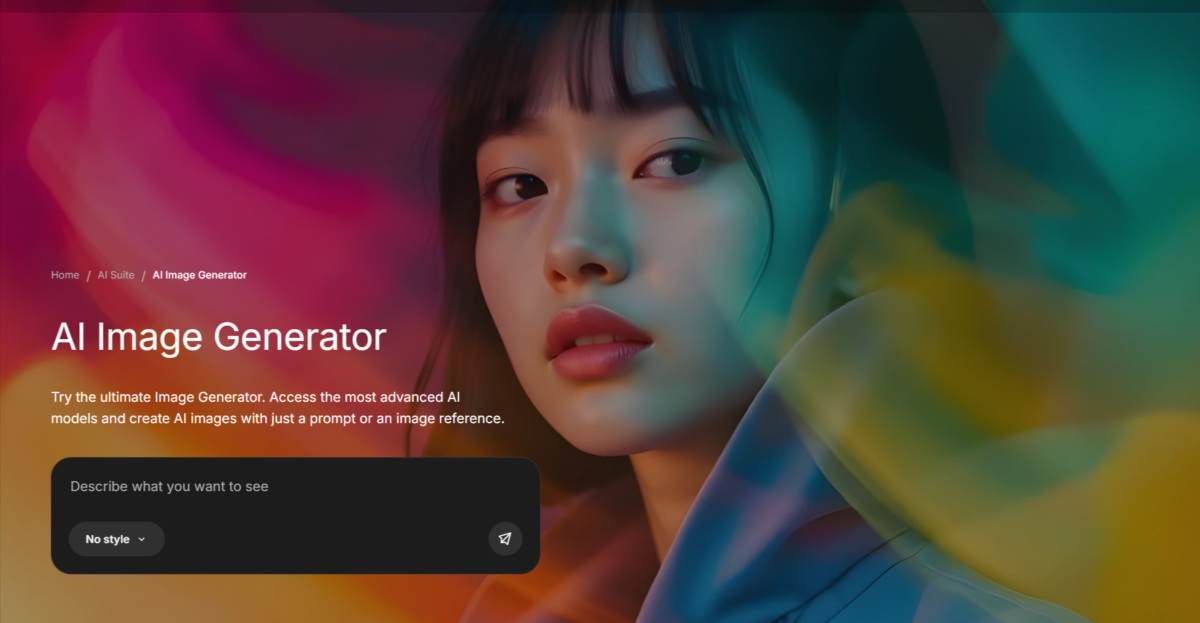
Freepik doesn’t rely on just one or two AI tools. Its AI Creative Suite is powered by 30+ premium AI models, including image, video, and audio generation systems.
This makes Freepik a direct competitor to platforms like Adobe Stock and Canva, especially for users who want both stock content and AI generation together.
Image Generation & Editing Models
| Model | Provider |
| Nano Banana Pro (1K/2K & 4K) | |
| Nano Banana (standard) | |
| Google Imagen 4 / 4 Fast / 4 Ultra / 3 | |
| Flux 2 Pro / Flux.2 Pro | Black Forest Labs |
| Flux.2 Max / Flux Kontext Pro/Max / Flux 1.1 / 1.0 Realism/Fast | Black Forest Labs |
| Ideogram 3 | Ideogram |
| Seedream 4.5 / 4.0 / 3.0 | ByteDance |
| GPT 1.5 / 1.5 High / 1-HQ | OpenAI |
| Mystic 2.5 Flexible / Fluid / 2.5 / 1.0 | Freepik-tuned |
Quick Notes
- Nano Banana Pro → Best overall for commercial and marketing use. Very clean, sharp, and ready to publish.
- Flux 2 Pro → Best if you care about style control, branding, and creative direction.
- Seedream 4.5 → Very fast and balanced, good for everyday content without overthinking.
Video Generation Models
| Model | Provider |
| Kling 3.0 / 2.6 Motion Control / 2.5 | Kuaishou |
| Google Veo 3.1 | |
| Runway Gen-4.5 | Runway |
| Sora 2 / Sora 2 Pro | OpenAI |
| Seedance 1.5 Pro | ByteDance |
| MiniMax Hailuo 2.3 | MiniMax |
| Wan 2.5 / 2.2, PixVerse 5, LTX | Multiple providers |
| GPT 1.5 / 1.5 High / 1-HQ | OpenAI |
Audio & Voice Models
ElevenLabs (fully integrated) lets you create realistic voiceovers, AI music, and sound effects with ease. It offers natural, human-like voices in 30+ languages, with different accents and emotions to choose from.
Credits are used as follows:
- Voiceovers: 1–2 credits per 10 characters
- Sound effects: 5 credits per second
Lyria – by Google (cinematic background music)
LatentSync – built-in lip-sync tool
Built-in SFX Generator – quick sound effects inside Freepik
Upscalers & Pro Editing Tools
Magnific Precision (Freepik-owned): Best-in-class upscaling (images + video). 90 credits per 2K upscale.
Topaz upscalers (available on Premium+ and above).
All of these tools are connected to the same creative ecosystem.
Many users compare Freepik with Krea.ai.One important thing to know:
Freepik provides Free 3D models that Krea provides are actually paid.
This is a key difference for users comparing AI platforms.
Who Should Use Freepik?
- Beginner designers – Ready-made templates and easy editing
- Freelancers – Fast client work without hiring illustrators
- Social media managers – Daily post, story, and reel graphics
- Startup founders – Branding without a full design team
- Marketers – Ad creatives, landing page visuals, banners
- Students – Free assets available with attribution
Who Should NOT Use Freepik?
- Need 100% exclusive, never-used assets
- Create high-end luxury or ultra-custom branding
- Dislike credit-based AI generation systems
A Few Important Details
- Freepik offers a 30-day refund guarantee
- No cancellation fees
- Free & Essential plans allow 10 stock downloads per day
- Unused AI credits do not roll over to the next month
- Extra credits can only be purchased on Premium+ or Pro plans
- Some 3D and AI-enhanced assets require paid access
Pricing Plans:
| Plan | Price | Features |
|---|---|---|
| Free Plan | $0/month |
|
| Essential Plan | $9/month | 7,000 credits/month
|
| Premium Plan | $20/month | 18,000 credits/month
|
| Premium+ Plan | $39/month | 45,000 credits/month
|
| Pro Plan | $250/month | 300,000 credits/month
|
Strengths
-
-
-
- Massive asset library (200M+)
-
-
-
-
-
- Integrated editing tools streamline creative workflows.
-
-
-
-
-
- Style consistency supports cohesive branding.
-
-
-
-
-
- API enables scalable automation for businesses.
-
-
-
-
-
- User-friendly with tutorials for beginners.
-
-
Weaknesses
-
-
-
- Free plan limited to 20 daily generations.
-
-
-
-
-
- Unused credits don’t carry forward
-
-
-
-
-
- Not suitable for ultra-exclusive branding
-
-
-
-
-
- Advanced features restricted to Premium Plan.
-
-