
leonardo

Leonardo AI (officially Leonardo.Ai) has quickly become one of the most popular AI image generation platforms for creators, designers, marketers, and businesses. Originally launched in December 2022 by Australian founders in North Sydney, the platform first gained attention for creating game assets and concept art. Today, it has grown into a complete creative suite that offers AI image generation, editing tools, motion features, and custom model training.
A major turning point came in July 2024 when Canva acquired Leonardo AI in a deal reportedly worth over $320 million. Even after the acquisition, Leonardo continues to operate independently with its original team, which shows the platform’s strong growth and long-term potential.
If you’re searching for a professional AI image generator in 2026, Leonardo AI is one of the strongest names in the market.
What is Leonardo AI?
Leonardo AI is an advanced AI art generator that converts text prompts or uploaded images into stunning visuals within seconds. It is built for creators who need more than simple text-to-image tools.
The platform focuses on three things:
- Speed
- Consistency
- Creative Control
This makes it useful for:
- Graphic designers
- Content creators
- Marketing teams
- Game developers
- Product photographers
- Social media managers
- Freelancers
- Agencies
Whether you need product ads, character art, fashion campaigns, architecture renders, or cinematic scenes, Leonardo AI can handle it.
All the Cool Features You Get in Leonardo AI
- Basic Image Making – Type words, get pictures. Upload a photo, change its style.
- Video Making – Turn still pictures into short moving clips.
- Real-time Canvas – Edit pictures live as you work, no waiting.
- Instant Generation – See changes as you type, super fast.
- Flow State (2026) – The new Flow State mode makes generation feel instant. Instead of waiting after each prompt, users can ideate continuously with near real-time results.
- Smart Editing – Tell it what to change using words, and it does it.
- Background Removal – Remove backgrounds with one click.
- Reference Pictures – Upload pictures to guide the style (more on paid plans).
- Consistent Characters – Keep the same person/style across many pictures.
- Templates (Blueprints) – Pre-made setups so you don’t have to start from scratch.
- Custom Training – Teach the AI your own style using your pictures.
- Personal Models – Create your own AI brain trained on your stuff.
- Make Pictures Bigger – Increase size without losing quality.
- Quality Settings – Basic on free, amazing on paid plans.
- Organization – Keep your work organized in folders.
- Other AI Models – Use models from other companies, too, like Ideogram.
- Commercial Use – Sell what you make (on paid plans).
You can make all kinds of stuff: product photos, fashion designs, building designs, concept art, marketing materials, game graphics – whatever you can imagine.
All the Different AI Models You Can Use in Leonardo AI
Leonardo has tons of different AI models, and you can switch between them instantly:
- Lucid Origin – Great for everything. Makes both realistic photos and artistic pictures.
- Lucid Realism – Perfect for super realistic photos that look like movies.
- Phoenix 1.0 & 0.9 – Leonardo’s own models that are really good at understanding what you want.
- Flux Models – These come from another company but work great for high-quality pictures.
- Seedream 4.5 & Nano Banana Pro – Perfect for fancy product photos and precise editing.
- Ideogram 3.0 – Great when you need text in your pictures.
- Video Models – Different options for making moving pictures.
You also get access to models made by the community, and you can train your own. Each one is good at different things – realistic photos, anime, 3D art, movie-style pictures, etc.
Why People Love Leonardo’s Customer Support?
Here’s something amazing – 90% of people who review Leonardo say good things about their customer support! People actually mention the support team members by name (like Mark G., Fin, and Anna) in their reviews.
They have a 4.6 out of 5 star rating on Trustpilot from over 1,000 reviews. People love:
- How fast they respond
- How nice and helpful they are
- How easy it is to get refunds if needed
- How clearly they explain things
Pricing Plans:
| Plan | Price | Features |
|---|---|---|
| Free Plan | $0/month |
|
| Essential | Starting at $12/month |
|
| Premium | Starting at $30/month |
|
Strengths and Weaknesses of Leonardo AI
Strengths
- All-in-One Platform
- Excellent Character Consistency
- Strong Image Quality
- Fast Workflow
- Great for Professionals
- Commercial Usage Available
Weaknesses
- Token System Can Be Confusing
Real Performance Test of Leonardo AI Image Generation
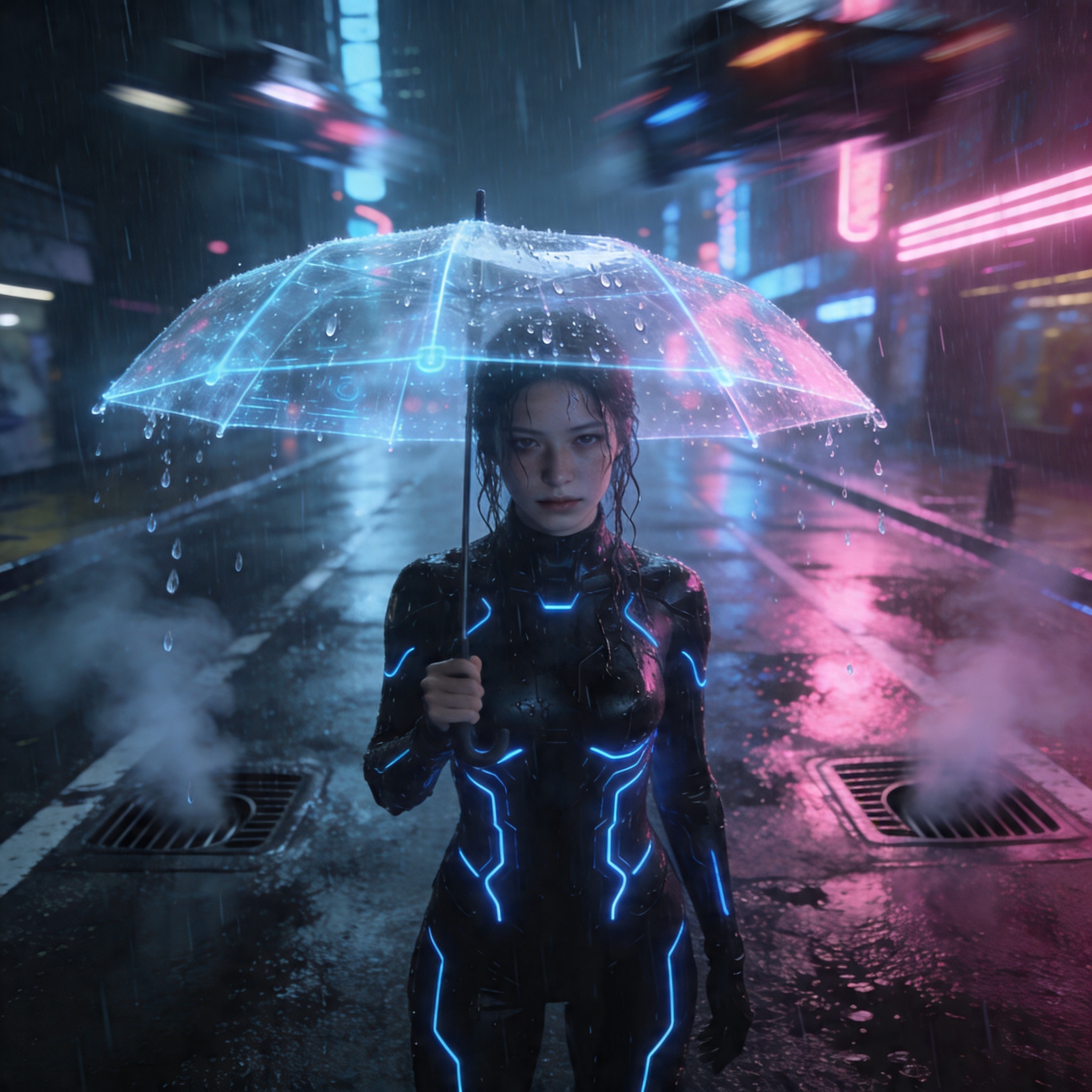
lights reflecting on wet streets, a lone female protagonist standing in the middle of the road holding a transparent holographic umbrella, wearing a sleek black tech suit with glowing blue circuits, highly detailed face with subtle emotions, wet hair strands sticking to her skin, dynamic lighting with pink and blue neon reflections, fog and steam rising from street vents, flying vehicles blurred in motion above, depth of field, volumetric lighting, 8K resolution, hyper-detailed textures, realistic skin pores, cinematic composition, dramatic atmosphere, Unreal Engine 5 style, sharp focus on subject, bokeh background, rain droplets frozen mid-air.
Image result from the auto model
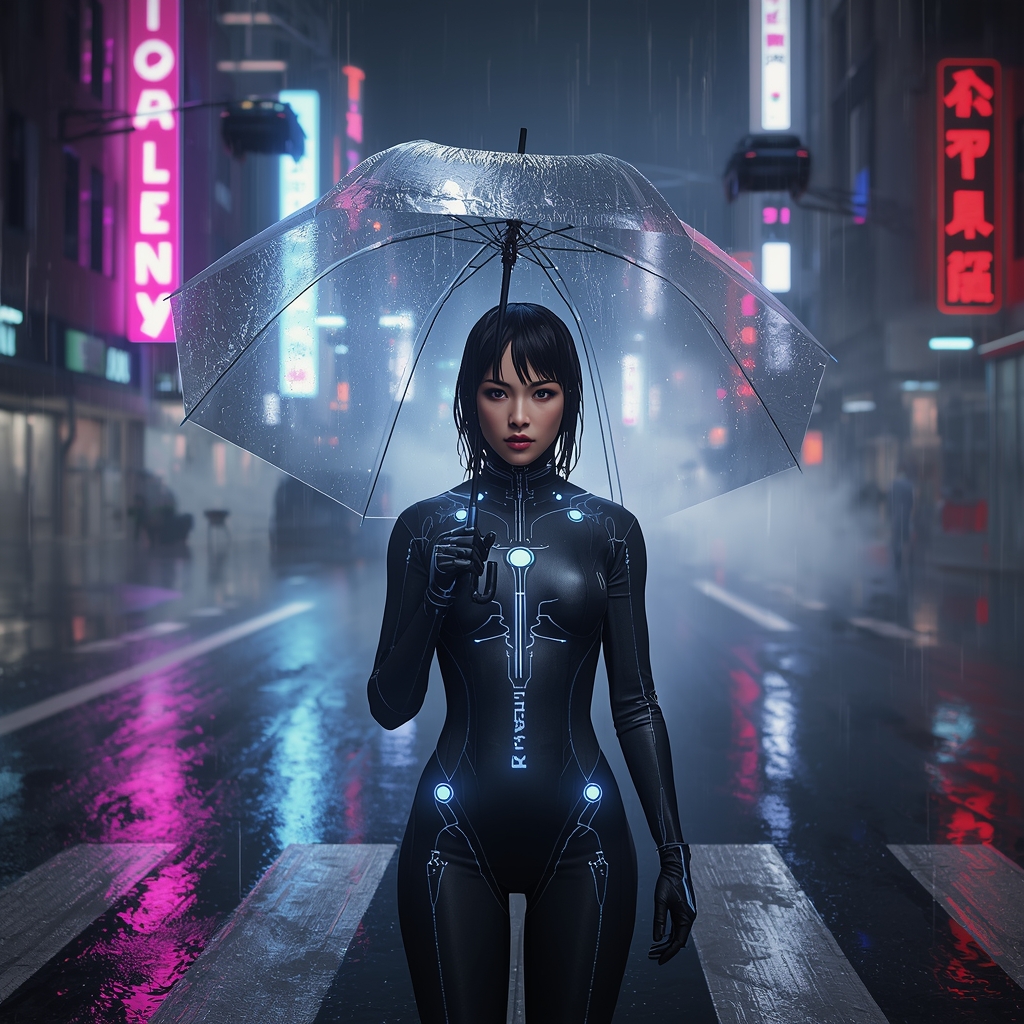
Image result from the nano-banana-2 model
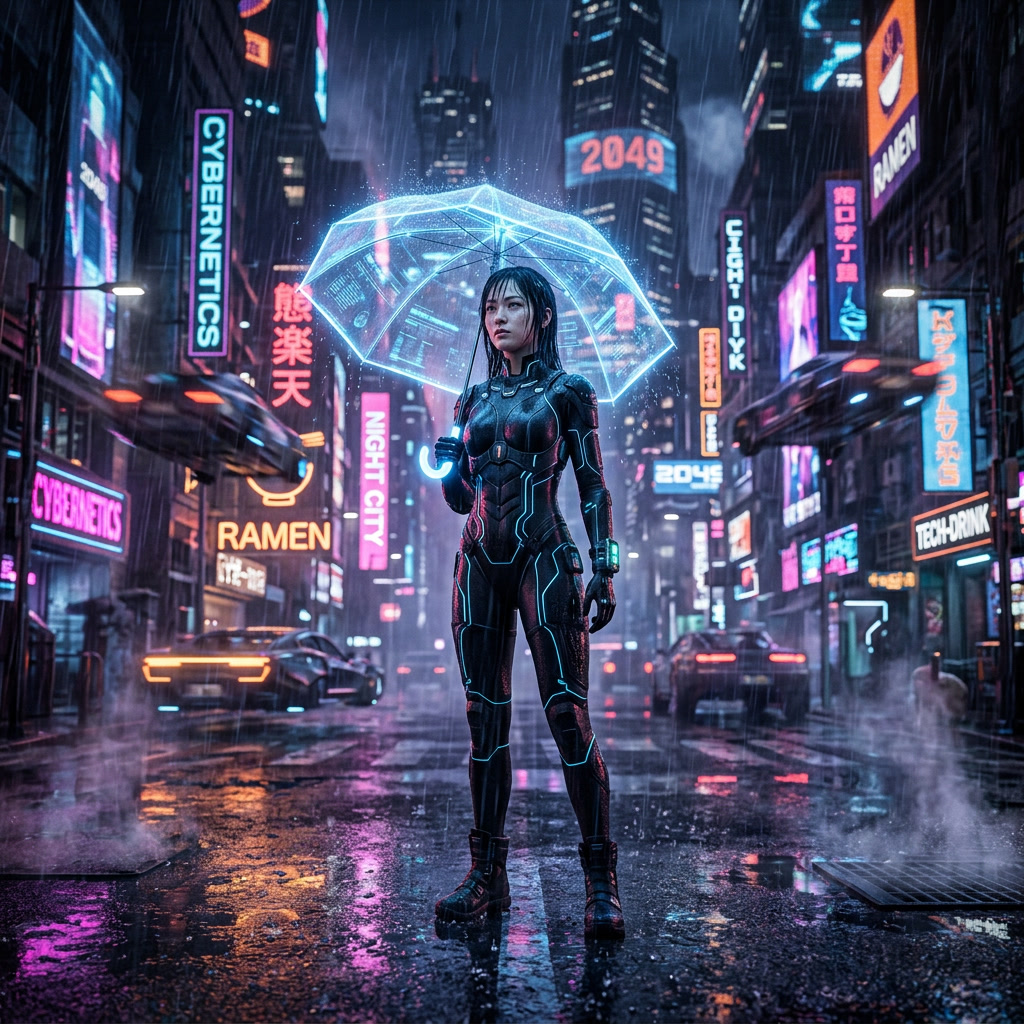
Image result from the seedream4.5 model
Common Questions People Ask
What exactly is Leonardo.ai?
Leonardo AI is a website that turns your words into pictures using smart AI. It’s made for artists, designers, marketers, and creative teams who want fast, consistent, professional results. Unlike basic AI art tools, it also lets you edit in real-time, train custom models, make pictures bigger, remove backgrounds, and create videos – all in one place.
Can I use it for free?
Yes! You get 150 “Fast Tokens” every day for free, which resets daily, so you can keep making images. Just remember that free images are public, and you can’t use all the fancy features.
How do I use it? Simple steps?
- Go to the image generator and type what you want or upload a picture
- Pick a model (or let it choose automatically)
- Adjust settings and hit Generate
- Use the editing tools to make it perfect
- Make it bigger, remove backgrounds, or turn it into a video, then download
Everything happens in one place, so you don’t need to jump between different websites.
Leonardo vs Midjourney – which is better?
Leonardo wins for most people who want consistency, control, and everything in one place (custom training, real-time editing, videos).
Midjourney is better for super artistic styles and has a cool Discord community. Leonardo has a better free version and clearer rules about using images commercially.
Many people use both, but Leonardo is usually what they use every day for work.
How do I write good prompts?
Be specific! Describe what you want, the style, lighting, mood, and how it should look. Example: “A shiny steel water bottle on white marble, dramatic lighting, professional product photo, super detailed.” Use Leonardo’s prompt helper or look at community examples. They have great guides and templates to help you skip the guessing.
Can I sell the images I make?
Yes! If you have a paid plan, you own your images completely and can use them for websites, social media, products, or client work. Free plan images are public and have more restrictions. Always check their latest terms to be sure.
How do I train my own AI model?
With Essential plans and up, you can train your own models using 10-20 of your own pictures. Upload your images, name your model, and Leonardo trains it. Once it’s done, you can use it forever to make consistent characters, products, or brand styles.
Is there a phone app?
Yes! The Leonardo.Ai app works on both iPhone and Android with 4.7+ star ratings from over 81,000 people. You can do everything on your phone – make images, edit them, and create videos.